


Understanding Gaming Monitors: What to Look For
When selecting a gaming monitor, several key features and specifications should be prioritized to enhance both performance and visual quality. The resolution is one of the primary factors, determining the clarity and detail of the image. Common resolutions include Full HD (1920×1080), Quad HD (2560×1440), and 4K UHD (3840×2160). Higher resolutions, such as 4K, provide stunning visuals but require more powerful graphics hardware.
Next, the refresh rate plays a crucial role in ensuring a smooth gaming experience. Measured in hertz (Hz), the refresh rate indicates how many times per second the image on the screen is updated. A higher refresh rate, such as 144Hz or even 240Hz, can lead to improved motion clarity and reduced input lag, making it ideal for fast-paced gaming. In parallel, response time, defined as the time it takes for a pixel to change from one color to another, also significantly impacts gameplay experience. A low response time (typically 1ms to 5ms) minimizes ghosting effects, ensuring more accurate representation of fast-moving objects.
The type of panel used in a gaming monitor can affect both color accuracy and viewing angles. The most common panel types are TN (Twisted Nematic), IPS (In-Plane Switching), and VA (Vertical Alignment). TN panels are valued for their rapid response times but may fall short on color reproduction. IPS panels offer superior color accuracy and wider viewing angles, making them highly suitable for immersive experiences, albeit with slightly slower response times. VA panels provide deeper blacks and better contrast ratios, representing a balance between the other two types.
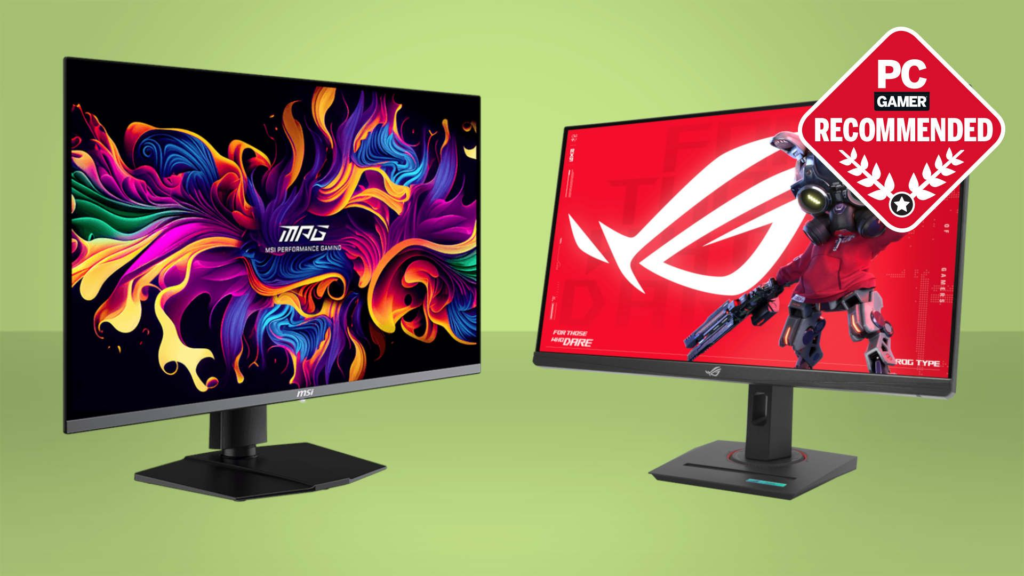
Another feature worth considering is HDR (High Dynamic Range) capability, which enhances the monitor’s capacity to display a wider range of colors and brightness levels. This results in more realistic and vibrant visuals. Furthermore, adaptive sync technologies like G-Sync and FreeSync help eliminate screen tearing and stuttering by synchronizing the monitor’s refresh rate with the graphics card’s output. Investing in a gaming monitor with these features will significantly elevate your gaming experience.
Top Gaming Monitor Brands and Models
When it comes to selecting a gaming monitor, the brand and model can significantly influence your overall gaming experience. Several brands have established themselves as leaders in the gaming monitor market, offering a range of products tailored to different preferences and performance needs.
ASUS is renowned for its ROG (Republic of Gamers) series, which includes models such as the ASUS ROG Swift PG259QN. This monitor features a responsive 360Hz refresh rate, 1ms response time, and G-Sync compatibility, making it an ideal choice for competitive gamers seeking the fastest and most fluid gameplay. Its higher price point is justified by the advanced technologies that deliver stellar performance.
Samsung is another critical player, particularly known for its Odyssey series. The Samsung Odyssey G7 features a rapid 240Hz refresh rate and a resolution of 1440p. Coupled with its curved design, it provides an immersive gaming experience that appeals especially to action and racing game enthusiasts. The pricing is positioned mid-range, catering to gamers looking for high performance without venturing into the premium tier.
Acer also deserves mention with its Predator lineup. The Acer Predator X27 is a flagship model offering a 4K resolution, HDR support, and a fast 144Hz refresh rate. This model is aimed at serious gamers who desire cutting-edge visuals; however, it is among the more expensive options available, catering to enthusiasts and professionals.
For casual gamers, LG provides options like the LG 27GL83A-B, a 27-inch gaming monitor that strikes a balance between performance and affordability. Featuring a 144Hz refresh rate and 1ms response time, this model is suitable for casual play without significant compromise on quality.
In conclusion, choosing the right gaming monitor requires careful consideration of brands and specific models. By assessing the features and performance characteristics across different price ranges, gamers can find the gaming monitor that best aligns with their needs and budget.
Setting Up Your Gaming Monitor for the Best Experience
To achieve an exceptional gaming experience, setting up your gaming monitor effectively is crucial. Start by adjusting your screen brightness and color settings. Ideally, your monitor should not be too bright or too dim, as this imbalance can strain your eyes during long gaming sessions. Utilize calibration tools available in the gaming monitor settings or online tools to achieve optimal color accuracy. Adjust the gamma, contrast, and color temperature to your liking, ensuring that the visuals are neither washed out nor overly saturated.
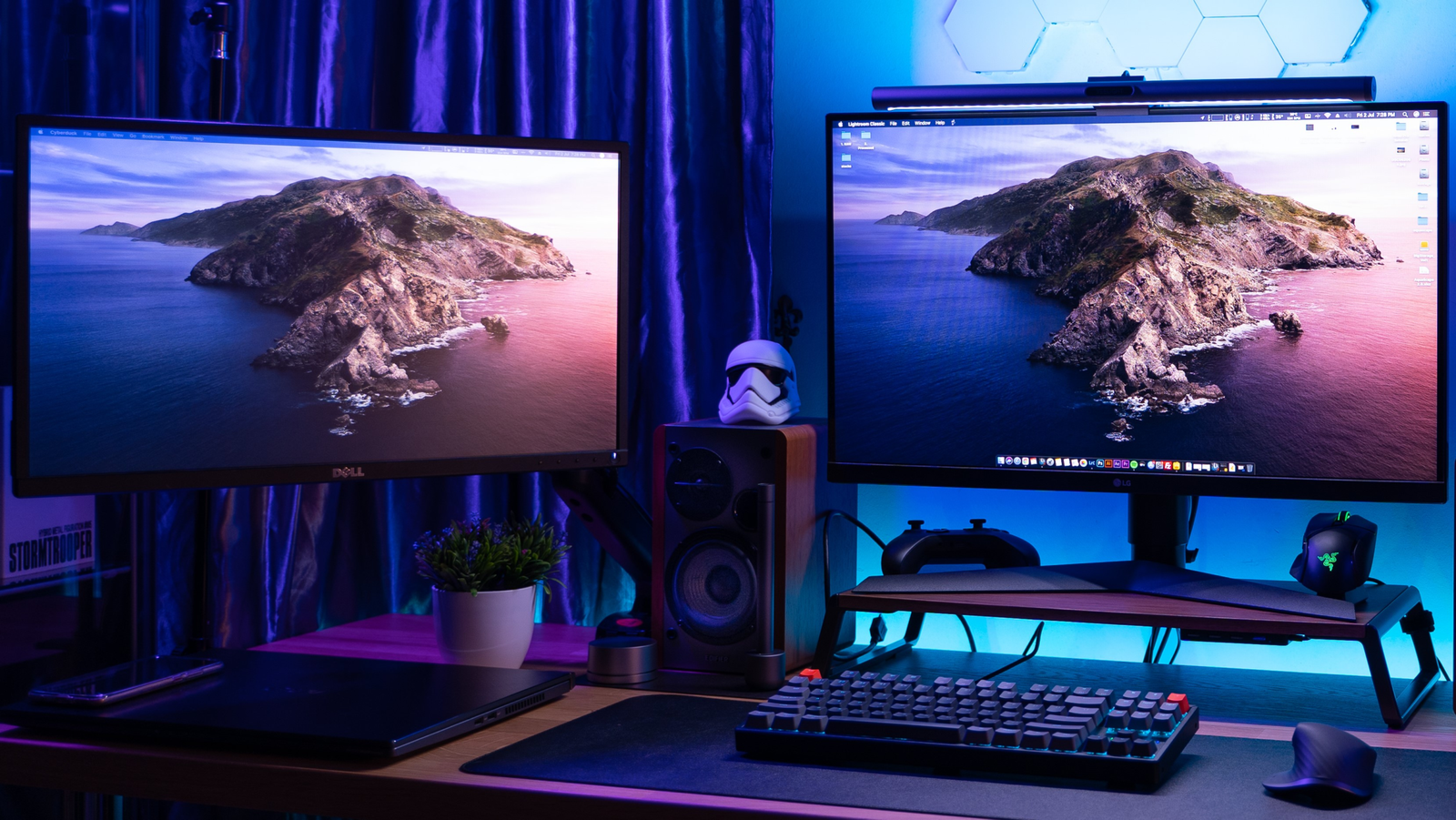
Next, positioning your monitor can greatly enhance comfort and performance. The top of the screen should be at or just below eye level, and the monitor should be about an arm’s length away from your eyes. Ergonomically setting up your gaming station not only helps reduce fatigue but also allows for immersive gameplay. Investing in an adjustable monitor stand or a monitor arm can facilitate repositioning your screen with ease and promote a healthier posture.
Connecting peripherals such as a keyboard, mouse, and gaming headset can elevate your experience further. Ensure that all peripherals are compatible with your gaming monitor and configure them through software settings if available. Additionally, most modern gaming monitors come with various ports such as HDMI and DisplayPort. Make sure to use the best cables to utilize the full capabilities of your monitor.
Configuring in-game settings is also paramount. Games often have dedicated settings for the monitor, such as refresh rate and resolution. Make sure your gaming monitor is set to its native resolution for optimal clarity and sharpness. Furthermore, employing accessories such as anti-glare screens can improve visibility in bright environments, making a significant difference in competitive gaming. By following these setup tips, you can ensure that your gaming monitor provides an optimal and engaging gaming experience.
The Future of Gaming Monitors: Trends to Watch
The landscape of gaming monitors is undergoing a seismic shift, driven by numerous technological advancements that promise to enhance the gaming experience significantly. A notable trend is the emergence of 8K resolution monitors which, while still in its infancy, is set to redefine visual clarity and detail in gameplay. With pixel densities far surpassing that of current 4K displays, gamers can expect lifelike graphics that engage the senses to a much greater extent, providing an immersive experience that was previously unimaginable.
Another significant advancement is the integration of OLED technology into gaming monitors. Known for their vibrant colors and superior contrast ratios, OLED screens create a more dynamic visual experience, reducing motion blur and enhancing the fluidity of gameplay. As this technology becomes more widespread, gamers can anticipate sharper images that amplify the precision required in fast-paced gaming environments.
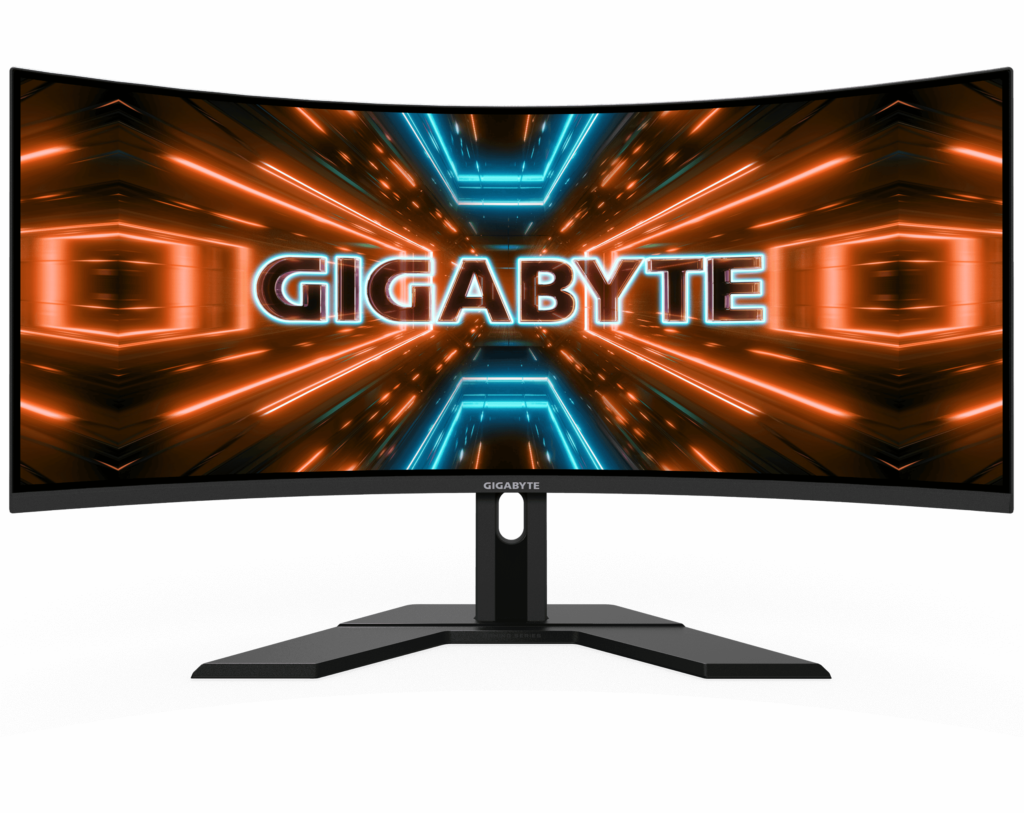
Additionally, curved gaming monitors are capturing attention for their ergonomic benefits. These designs not only offer wider fields of view but also help in reducing eye strain over long gaming sessions. This trend plays into the evolving console gaming landscape, where systems designed to maximize the visual experience demand monitors capable of delivering rich, immersive environments.
Looking forward, we can speculate on innovations such as integrated artificial intelligence for automatic settings adjustment, as well as more adaptive refresh rates to support different gaming styles. As these technologies converge, the implications for both players and the gaming industry are profound, potentially leading to the creation of personalized gaming experiences that cater to individual preferences and play styles. The future of gaming monitors promises to transform the way gamers interact with their games and each other, making it an exhilarating space to watch.
